Web Developer Tools+ iOS App
Contents
As an iPad Pro owning front-end developer, I’ve often been a bit frustrated at the lack of developer tools for testing and debugging websites on the go. So I created Web DevTools+, a free Safari extension for iOS and iPadOS.
Features
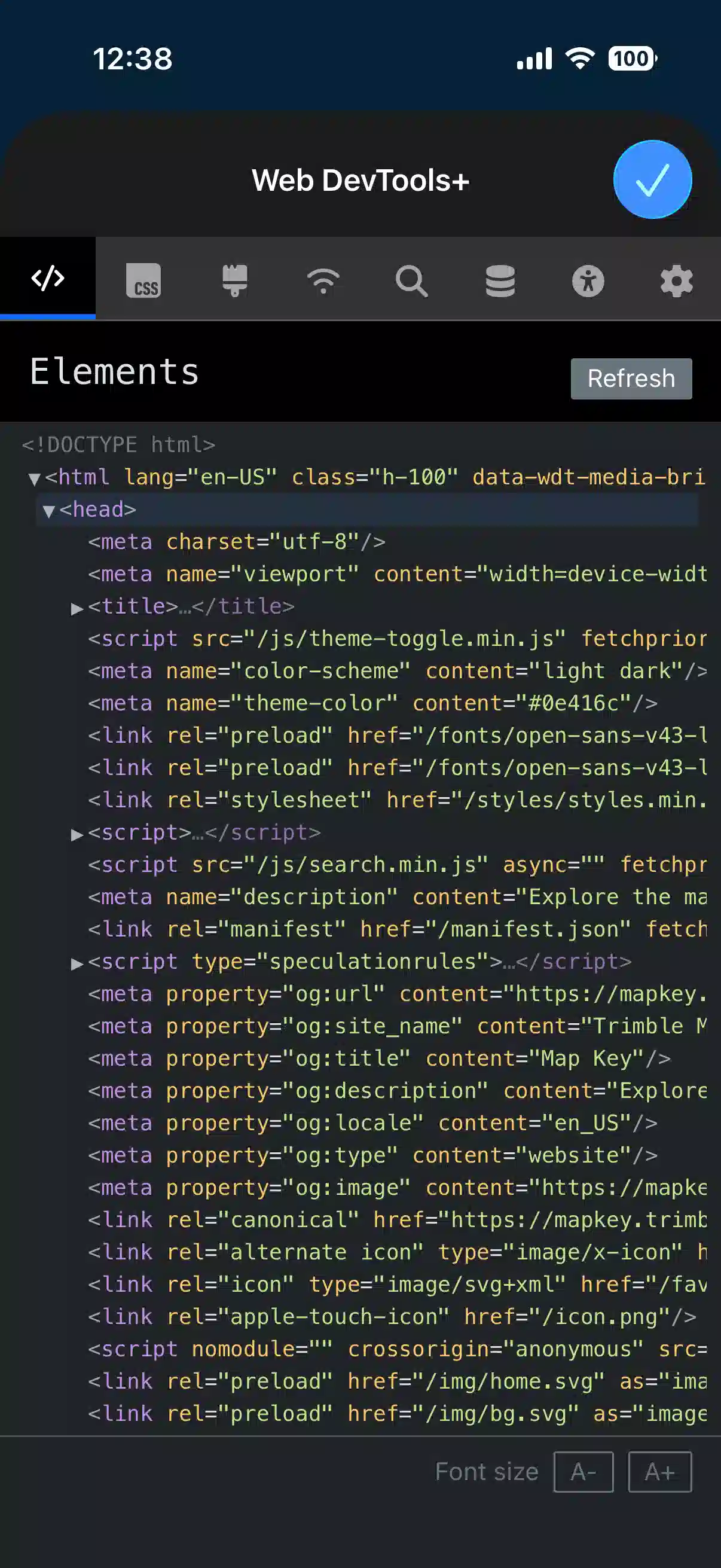
- Elements inspector with ability to edit, automatically highlights currently selected section and syntax-highlighted code.
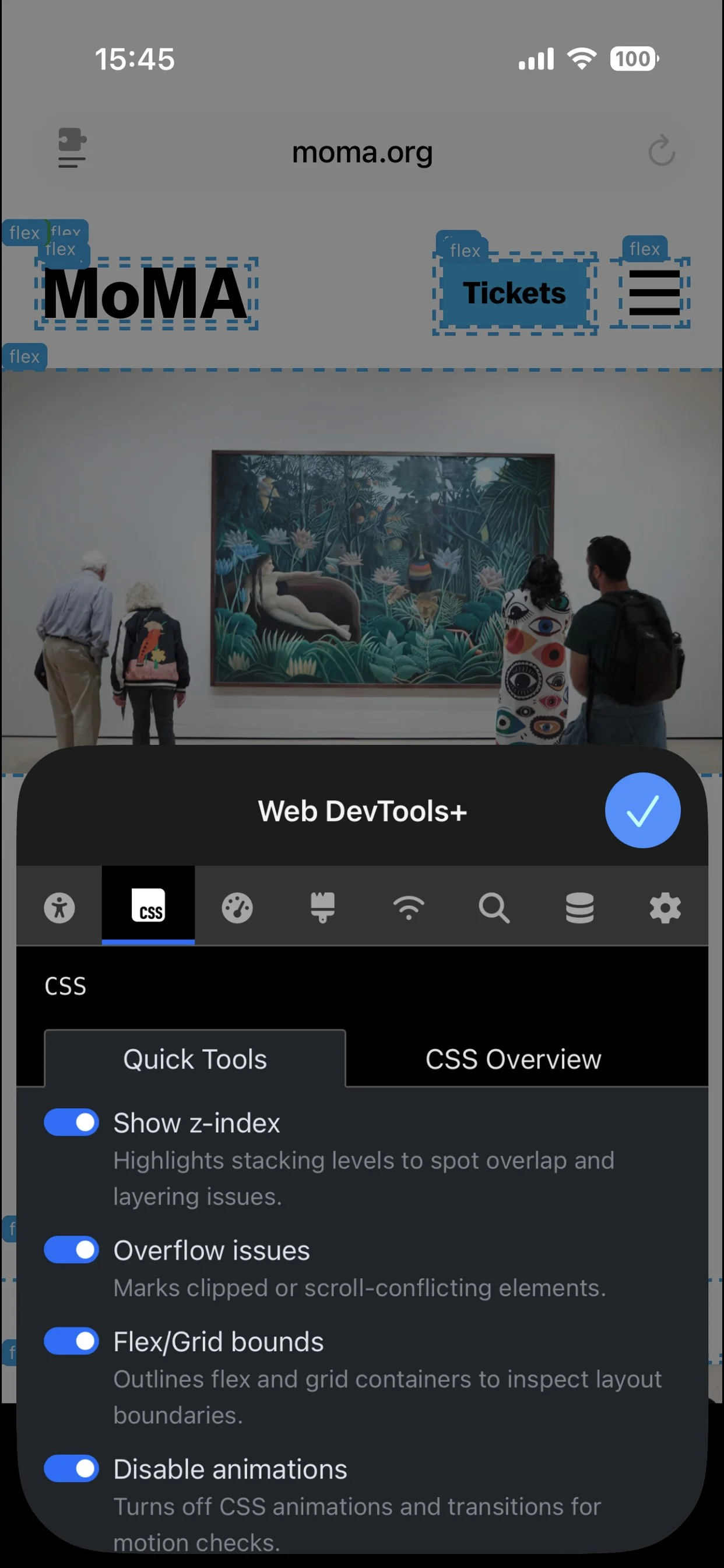
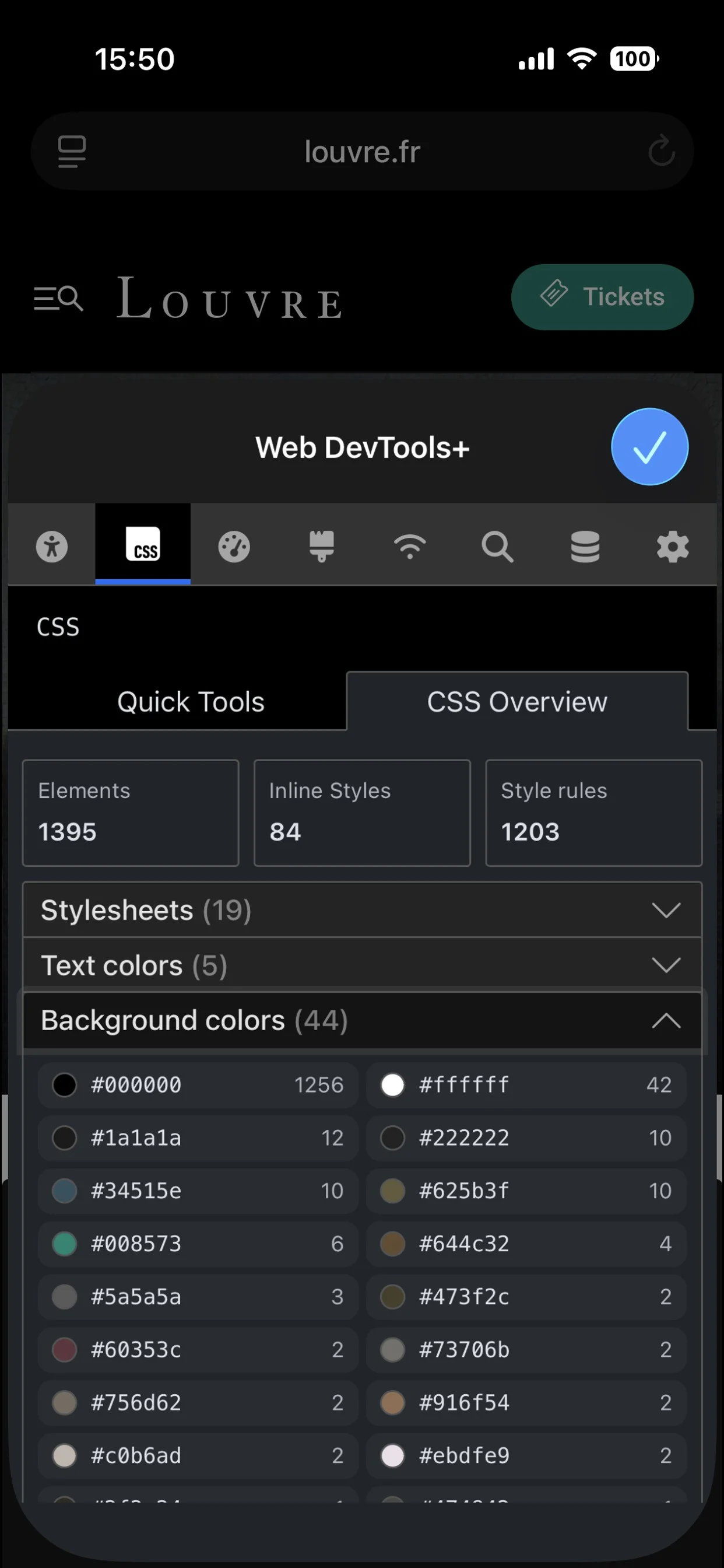
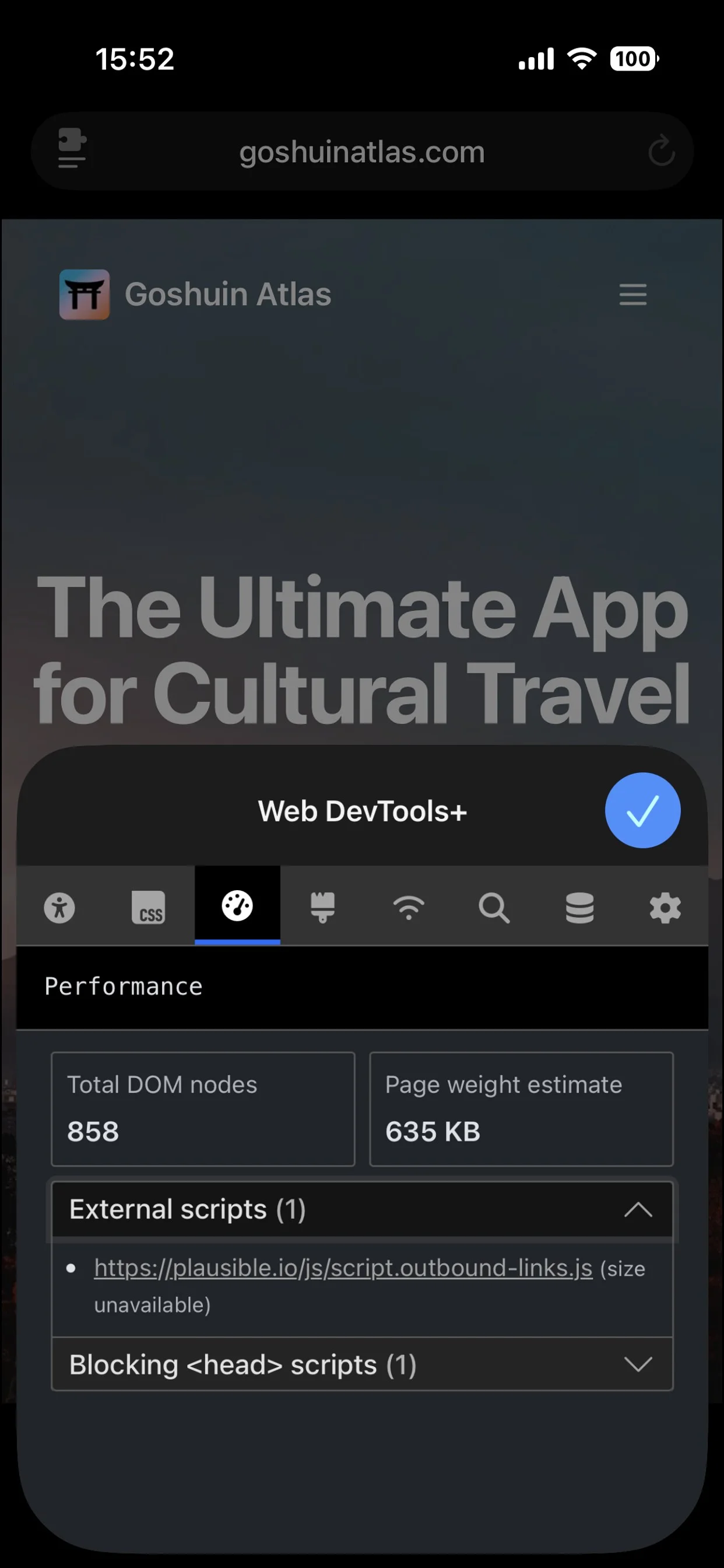
- CSS Quick tools and CSS overview
- Emulate vision deficiencies (such as color blindness, blurred vision)
- Emulate CSS media features (prefers-contrast, prefers color-scheme etc)
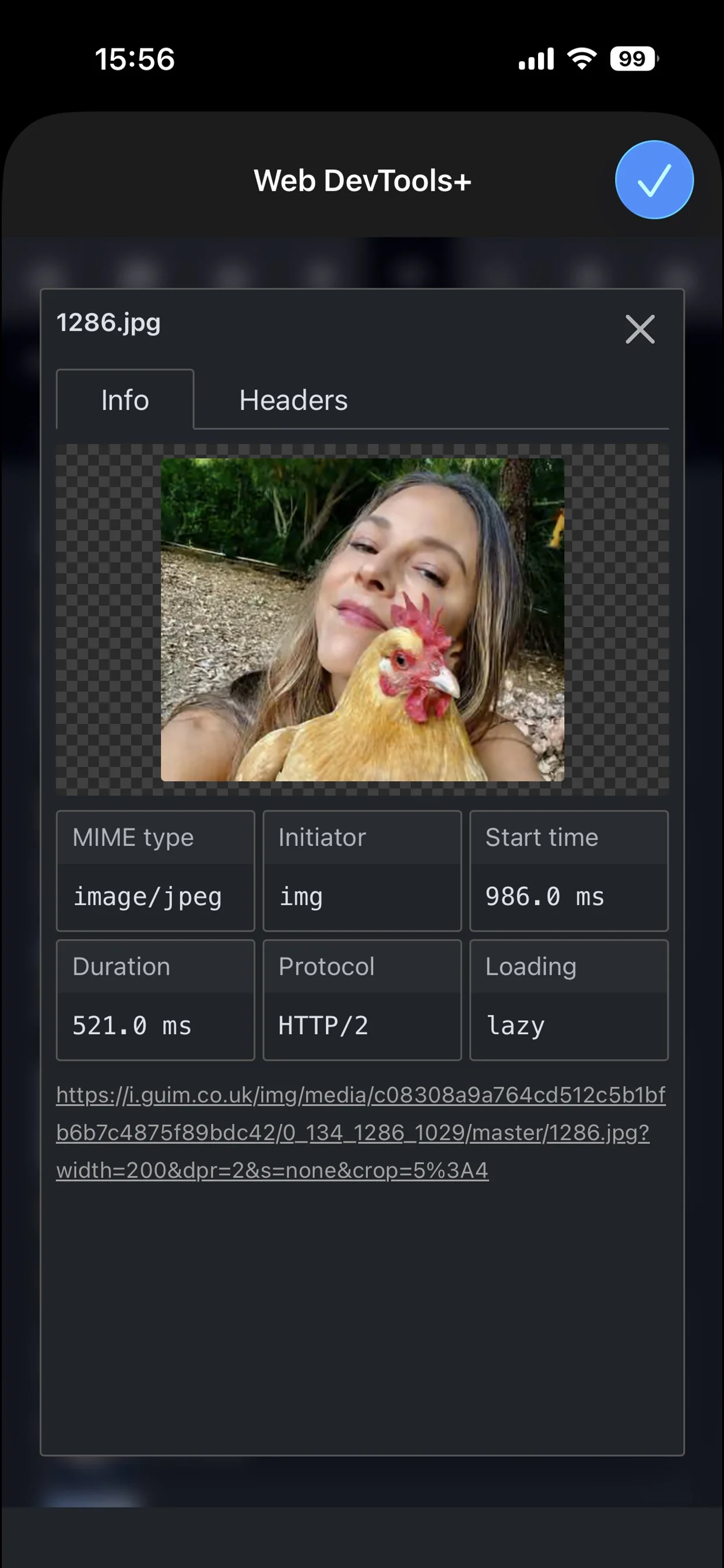
- Network inspector with sorting and filters, source viewer, HTTP headers tables and more.
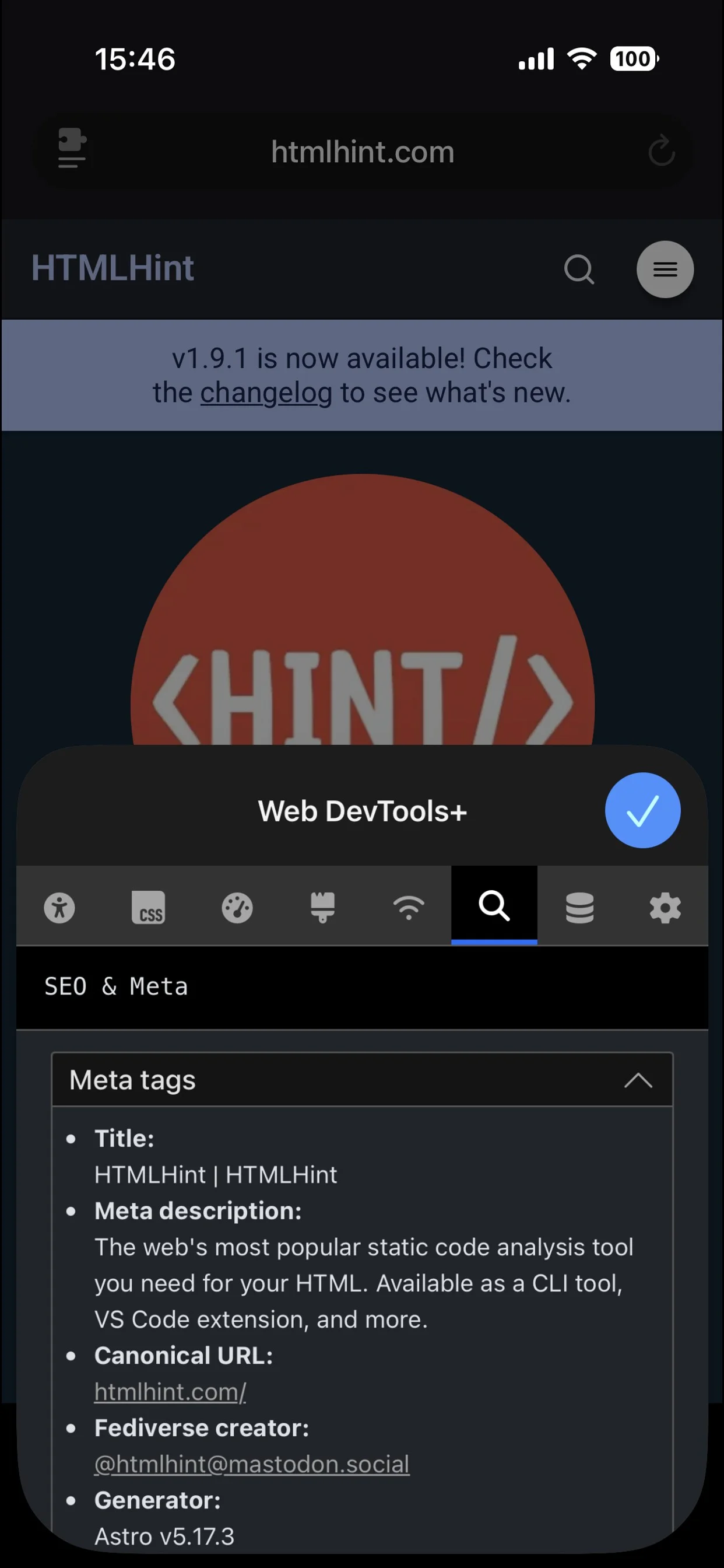
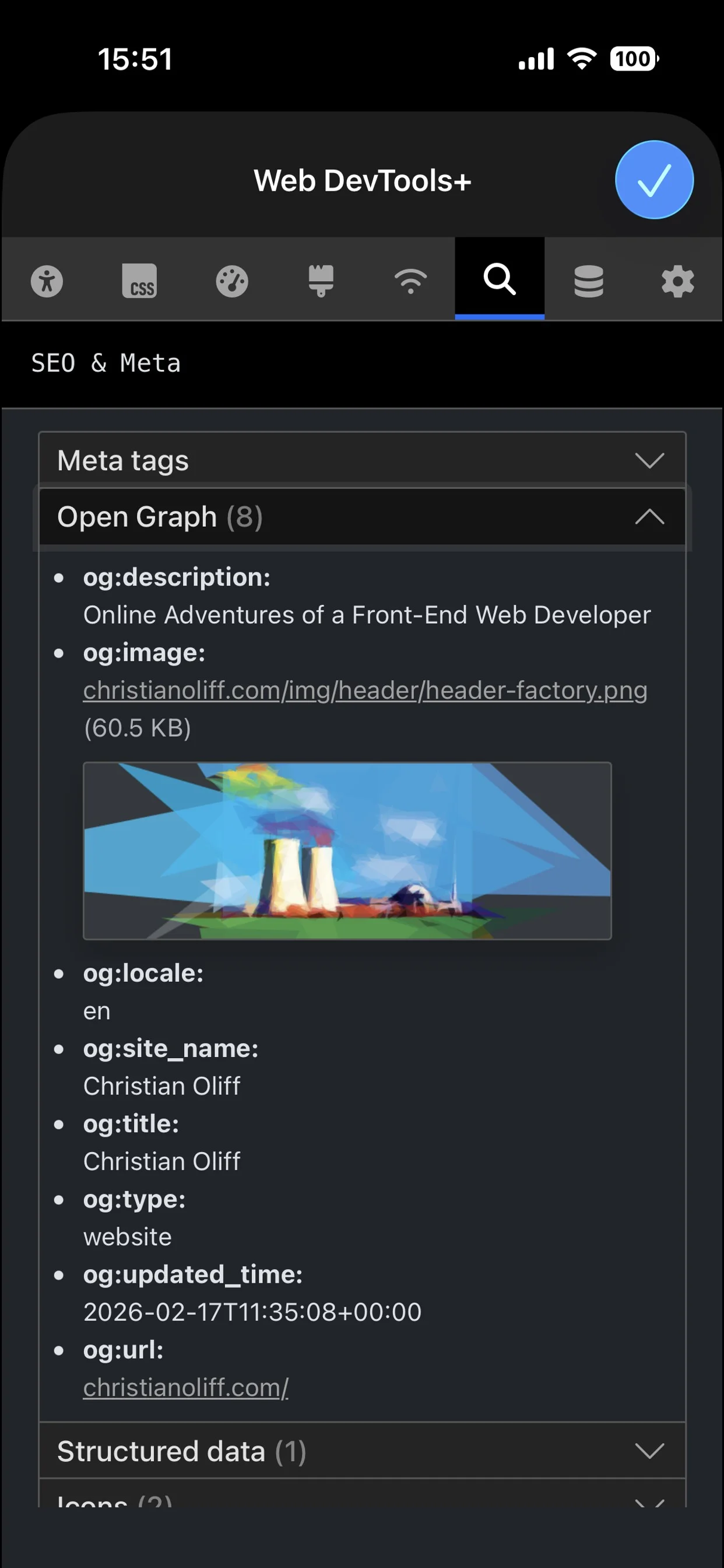
- Detailed SEO and Meta tag views with Open Graph previews, Web Manifest breakdowns and robots.txt file details.
- Storage panel with options to view or delete cookies, localStorage and Session storage.
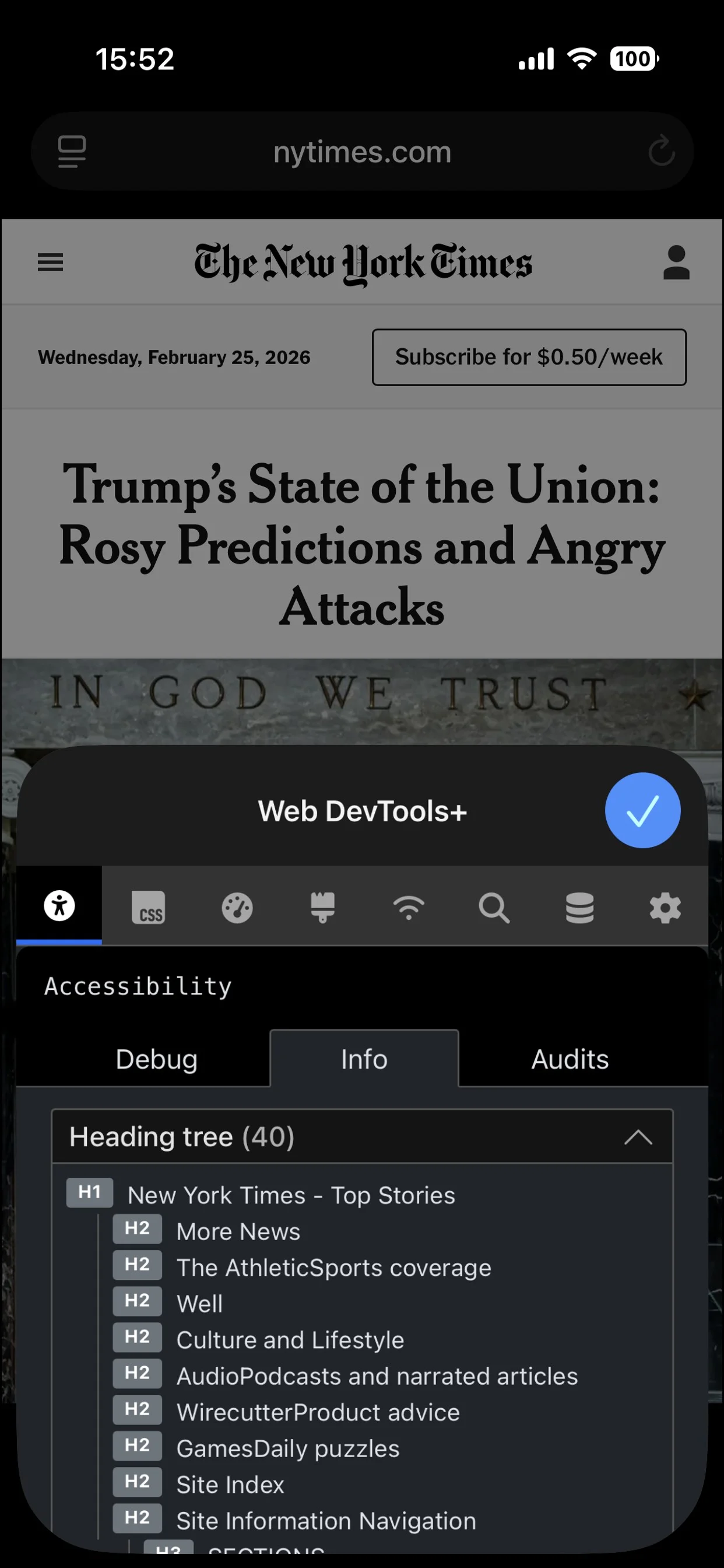
- Accessibility audits, info and debug tools (ARIA inspect and img alt inspect).
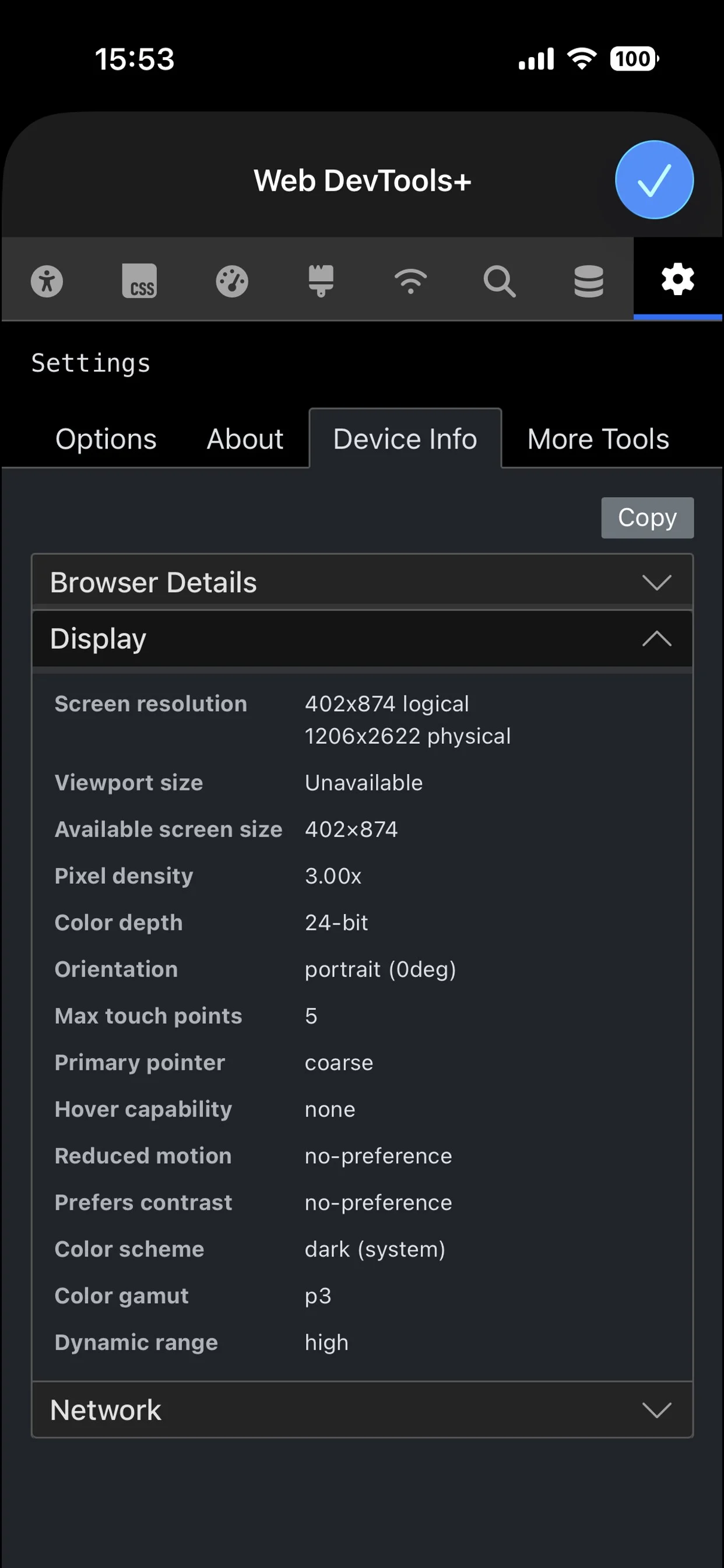
- Detailed Device Info panel with UserAgent, display and screen resolution, network speeds, connection type, ISP and more.
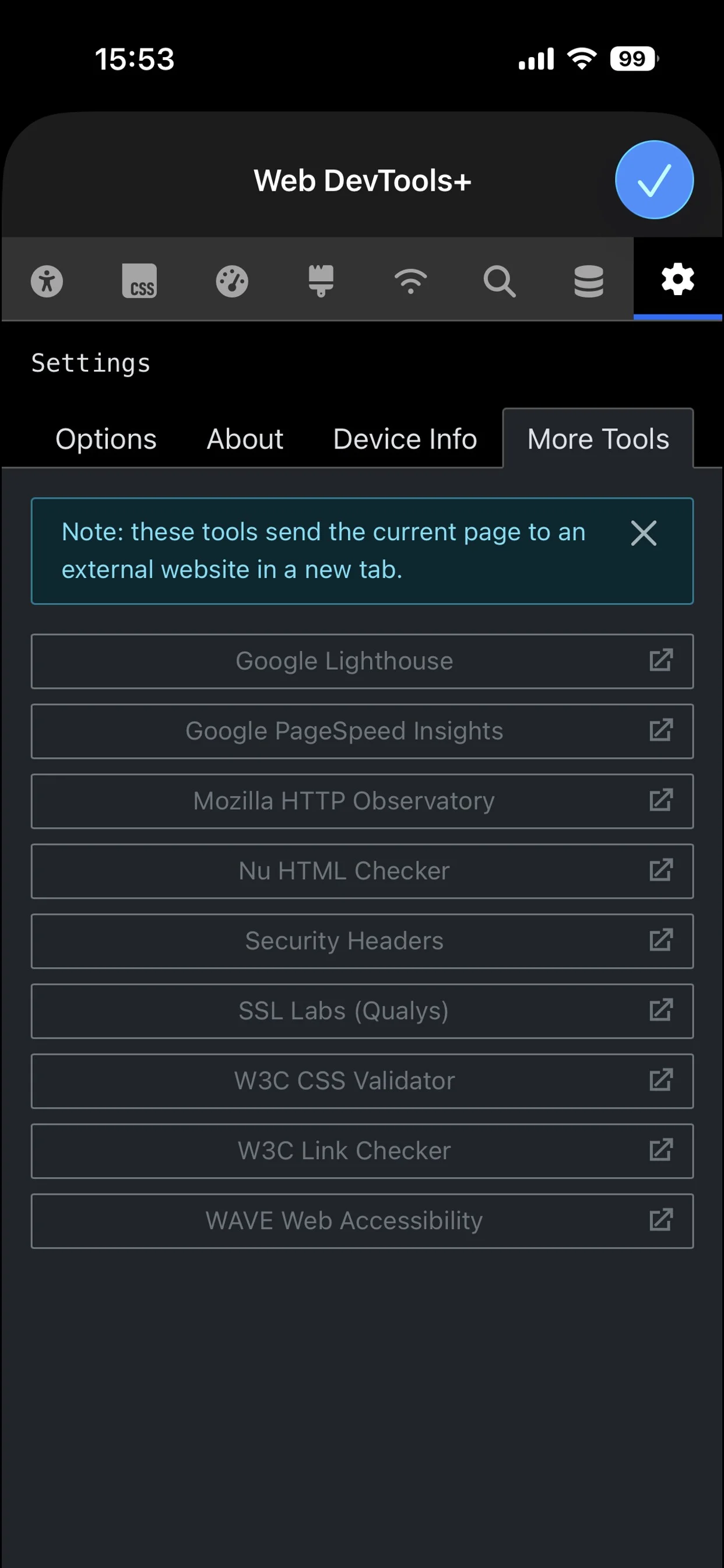
The ‘More Tools’ tab is useful as it gives one-tap quick audits from 8 popular, free services (Lighthouse, HTTP Observatory, Wave Web Accessibility etc). No need to login, it’ll open a new tab with your audit right there!
Roadmap
I’m looking to add a Console tab (currently in Settings > Labs tab), an Audits tab and optional themes.
Web DevTools+ is free with no adverts, tracking or subscriptions.
https://apps.apple.com/app/apple-store/id6759253731?pt=378206&ct=christianoliffcom&mt=8
Happy to hear any feedback, suggestions/feature requests (Mastodon and Bluesky links below)